An Introduction to Infinity in JavaScript
The world of endlessness in JavaScript - explore the Infinity keyword

JavaScript Geek 😎 — Undergrad at UoM 🇱🇰 ❤️
Cover Photo by freddie marriage on Unsplash
What is Infinity in JavaScript?
Infinity is a numeric value in JavaScript and corresponds to the mathematical representation of infinity. Technically, Infinity is classified as a property of the window object, similar to how variables in the global scope become properties of window. The value of Infinity (positive infinity) is greater than any other number. Likewise, the value of -Infinity (negative infinity) is smaller than any other number.
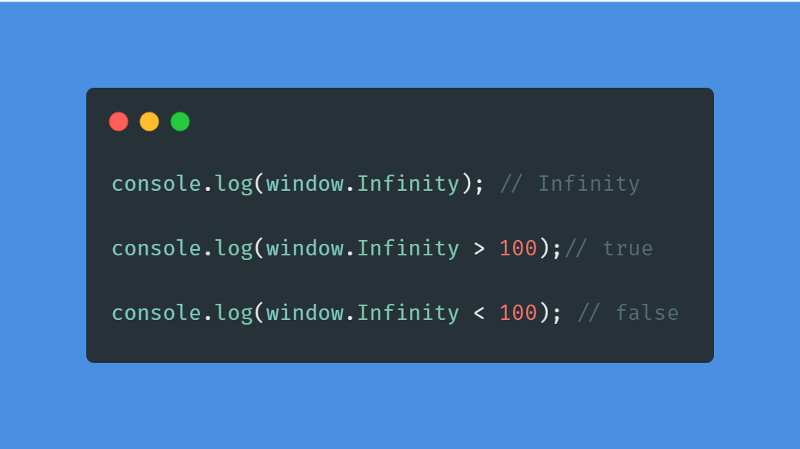
Despite being a numerical value, Infinity cannot be iterated upon. For example, you would not be able to run it as a for... of loop. You will be returned with an Uncaught TypeError: Infinity is not iterable error.
// This would not work
// Uncaught TypeError: Infinity is not iterable
for (let i of Infinity) {
     console.log(i);
  }
But you can use the Infinity object as a ceiling or floor in your for loops. However, this is not advisable as it will probably crash your PC.
// Don't do this!
for (let i=0; i<Infinity; i++){
// Infinite loop
}
// Don't do this!
for (let i=0; i>-Infinity; i--){
// Infinite loop
}
When does Infinity occur?
If you console values and see for yourself, the console would display Infinity just as your number hits 309 digits regardless of the digit value(i.e., even 309 ones would be Infinity).
To be even more precise, according to the tc39 spec, Infinity represents all values greater than 1.7976931348623157e+308.
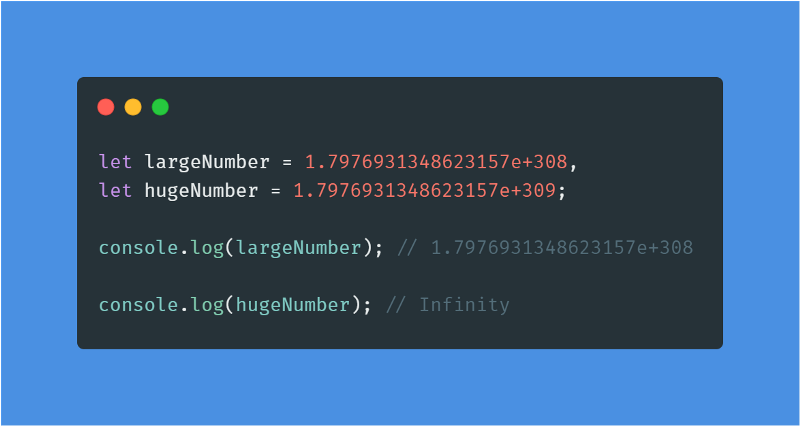
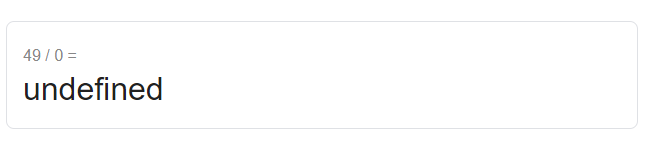
Another instance where you will get Infinity as output is when you divide a number by zero.
console.log(90 / 0); // Infinity
console.log(-90 / 0); // -Infinity
This is different from what you see on a calculator, as you would receive a "cannot divide by zero" or "undefined" type of error.
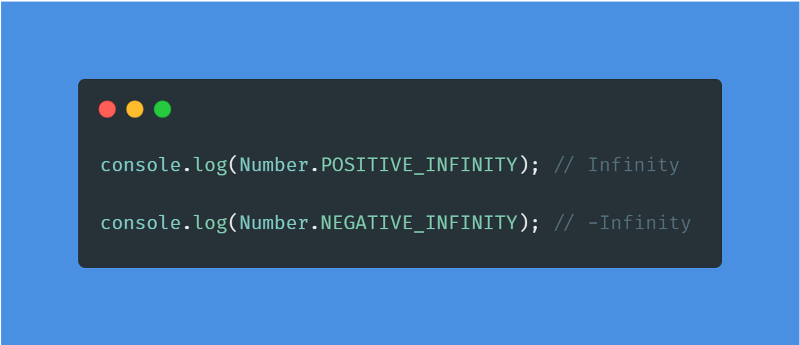
Another way of receiving Infinity is by accessing them directly from the Number object in JavaScript.
How to check for Infinity?
You can use your own function like below. This method checks for both Positive and Negative Infinity.
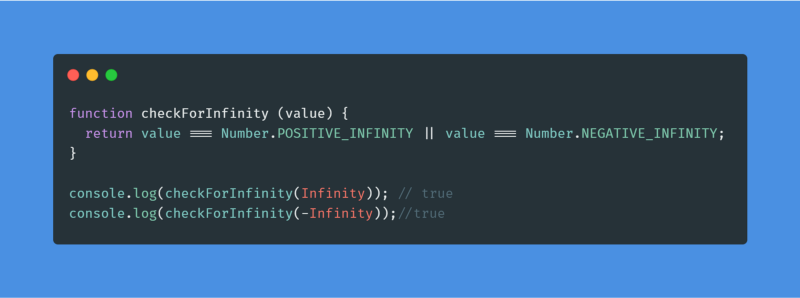
If you want to go for a built-in JS method, you can go with the isFinite() method. The isFinite() method checks to see if an integer is a finite, valid number. If the value is +Infinity, -Infinity, or NaN (Not-a-Number), this function returns false; otherwise, it returns true.
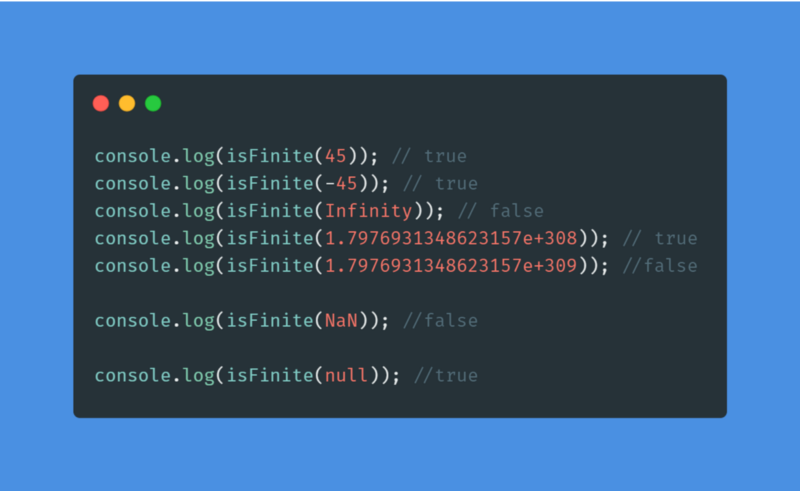
NOTE
The isFinite() method returns true for null. You must be cautious about this. It even coerces number string into number and returns true. But a non-number string will return false.
console.log(isFinite(null)); //true
console.log(isFinite('45')); // true
console.log(isFinite('-75')); // true
console.log(isFinite('hello')); //false
Where can you use Infinity?
Axel Rauschmayer offers an intriguing use case using Infinity as a default value in his new book JavaScript for impatient programmers. Because Infinity is greater than all integers, it might be beneficial in a function that searches for the smallest number in an array.
function findMinimum(numbers) {
  let min = Infinity;
  for (const n of numbers) {
    if (n < min) min = n;
  }
  return min;
}
console.log(findMinimum([20, 6, 90])); // 6
This works nicely because Infinity is greater than all numbers, so unless all the numbers in the array cross the Infinity threshold, the result won't have any problems.
Things to be noted
When working with JSON data, make sure that you are aware of the data that is inside the object before you stringify the JSON object (JSON.stringify()). Take a look at this example.
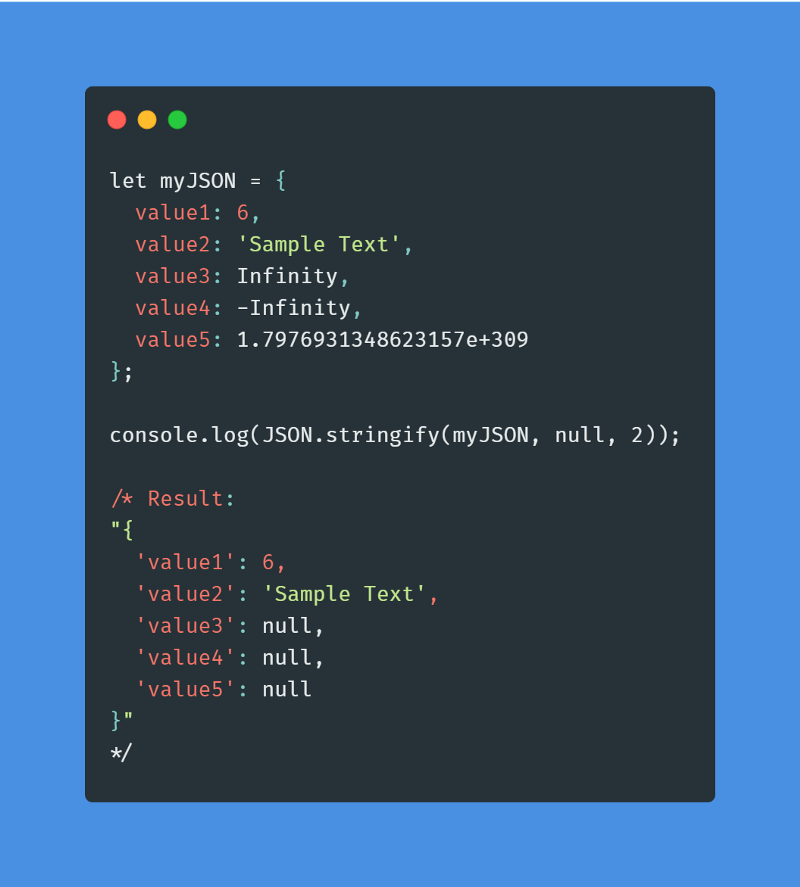
As you can see, the Infinity values are converted to null when stringifying the JSON object. This would also happen if one of the values was initially NaN.
If I have missed anything, please do let me know in the comments.
Happy Coding!!
Resources